What did that shop actually cost? Now your History knows.
📱 Screenshots show the iPhone app. The Android app works the same way — only small platform details differ.
Every finished shop becomes a card in History. Photograph the receipt and the app reads the item prices and the total straight onto that card — no typing. The reading happens entirely on your phone; the photo never leaves it. You review everything before a single price is saved.
The notepad icon turns blue on cards that have prices saved, and the card shows the trip total.
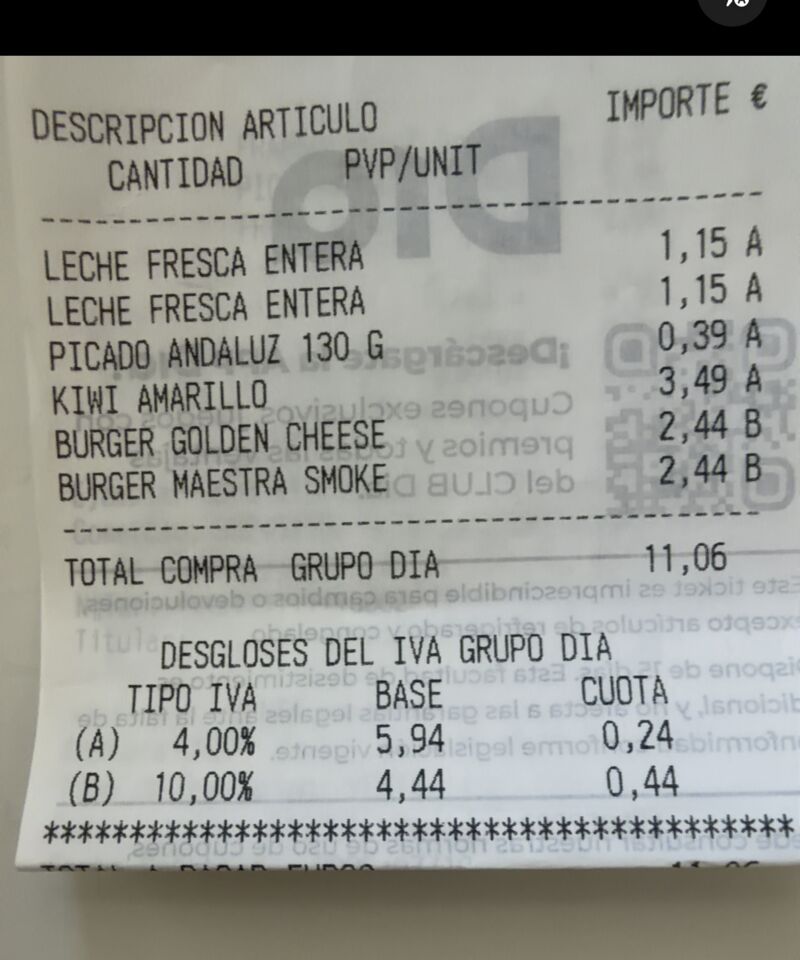
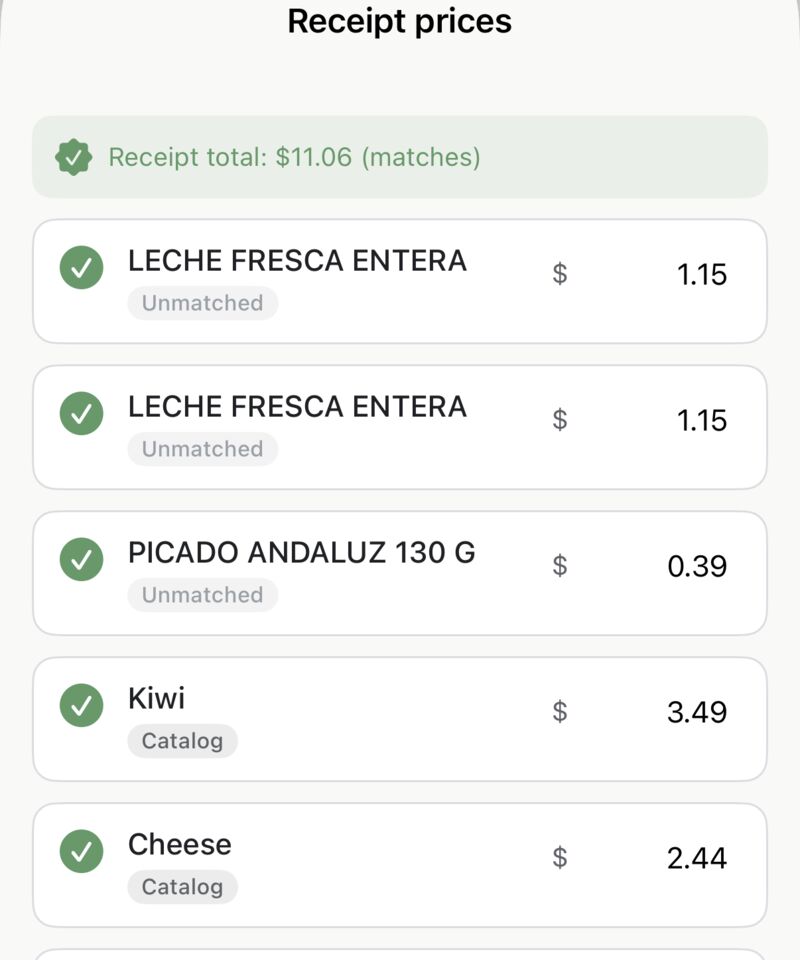
Popped into a shop without making a list? Tap "Log a shop from a receipt" in the History tab's top bar. The app creates a fresh trip, opens the camera, and reads the receipt — your impulse shop becomes a proper History card with items and prices.
It's the easiest way to keep your spending record complete without changing how you shop.
No receipt, or the scanner missed something? Tap the pencil icon on any History card to open Edit card:
Related guides: History & Favourites · Backup & Export
 Tim Weston Apps