Tap the mic and just say it — hands full, list sorted.
📱 Screenshots show the iPhone app. The Android app works the same way — only small platform details differ.
A round microphone button floats on your List screen. Tap it, say what you need — "milk, bread and two kilos of potatoes" — and the items land on your list, quantities included. It understands English, German, and Spanish (following your phone's language), and it can work completely offline.
The button is yours to place: drag it anywhere in the lower half of the screen and it stays there.
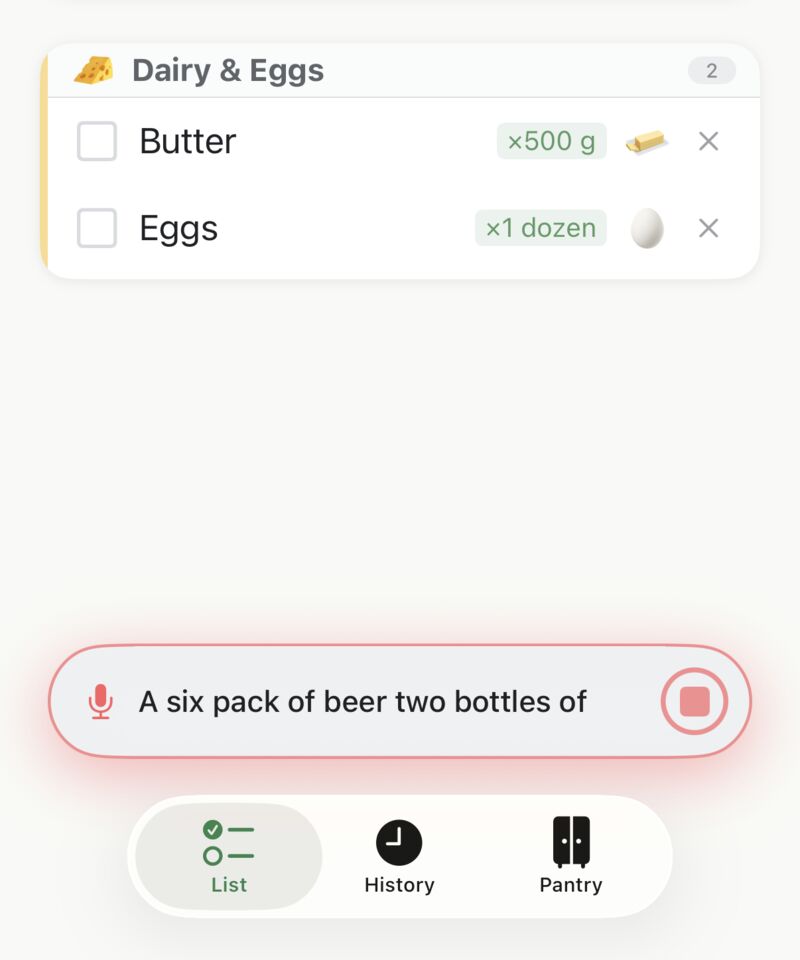
Quantities spoken with an item are understood and put on the list. All of these work:
Prefer the mic to ignore numbers? Turn off Detect quantities from voice in Settings → Voice.
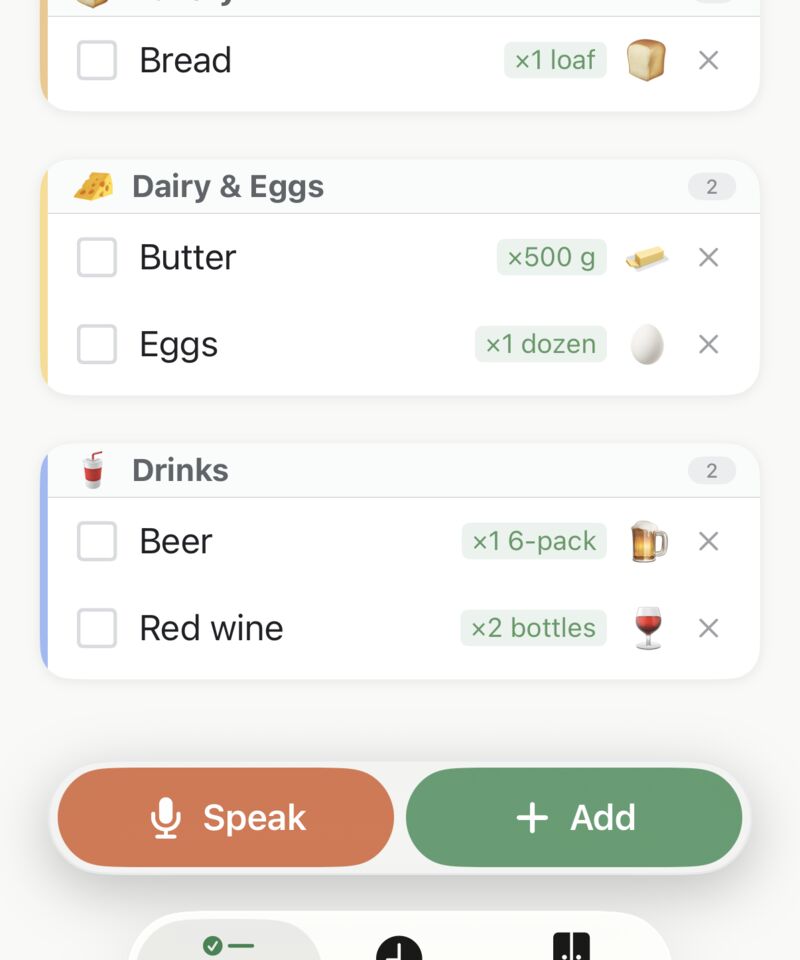
This is deliberate. Voice input is add-only: it puts items on your list but never ticks off, removes, or clears anything. A mishearing can't wreck your list mid-shop — the worst case is an extra item, which Undo or a tap fixes.
If you say something that's already on the list, you'll see a small "Already in list" note instead of a duplicate.
If the app hears you but can't match what you said to anything it knows, a small sheet appears with your options:
Speech recognition can run entirely on your phone — on Android with a downloaded language pack from Google Speech Services, and on iPhone with Apple's built-in on-device recognition. Either way, voice can work in airplane mode and your speech never touches the internet.
In Settings → Voice recognition you choose how it behaves:
The same screen shows an honest "Internet used by voice" counter. On Android, Offline speech packs lets you see what's installed, download your language pack (typically 30–60 MB), or jump to your phone's voice settings to remove one; on iPhone, on-device recognition is provided by iOS, so there are no packs to download.
Related guides: Your Shopping List (quantities by hand) · Barcode Scanner · Recipes
 Tim Weston Apps