The features that turned a simple list into this. Here's the tour.
📱 Screenshots show the iPhone app. The Android app works the same way — only small platform details differ.
If you haven't looked at the app in a while, a lot has landed — on iPhone and Android alike. Everything you already knew still works exactly as before; what's changed is how much faster you can get items onto your list, and what the app can do for you after the shop. Here's the short tour, with links to the full guides.
A microphone button sits on your list. Tap it and say "milk, bread and two kilos of potatoes" — all three land on your list, quantities included. It can even work fully offline.
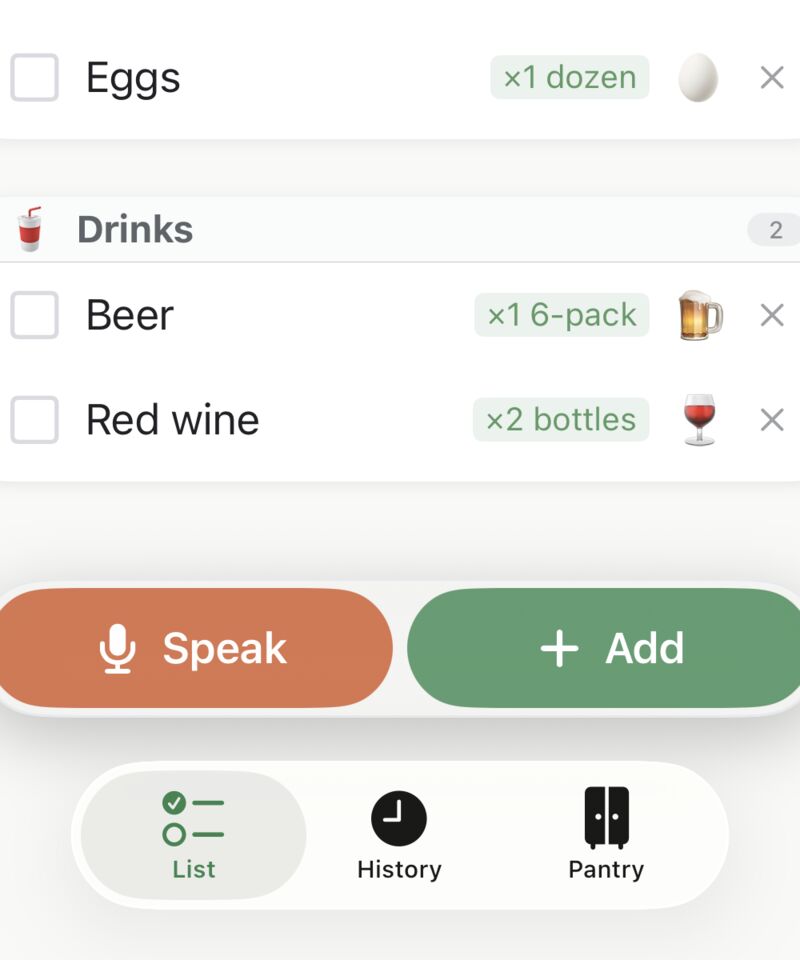
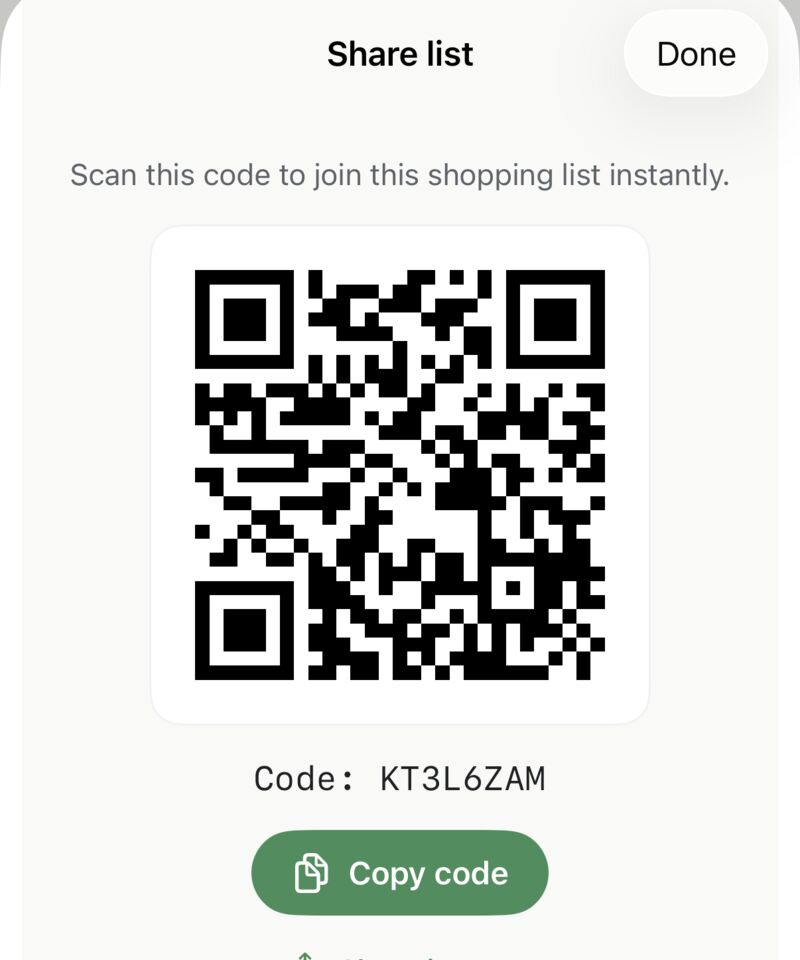
One list became up to 25 — groceries, hardware, the holiday shop. Share up to 5 of them with family using a short code or a QR code, and watch ticks appear on both phones in real time.
Point the camera at any product barcode and the app names it, categorises it, and adds it — to your list, your pantry, or both. Millions of products recognised.
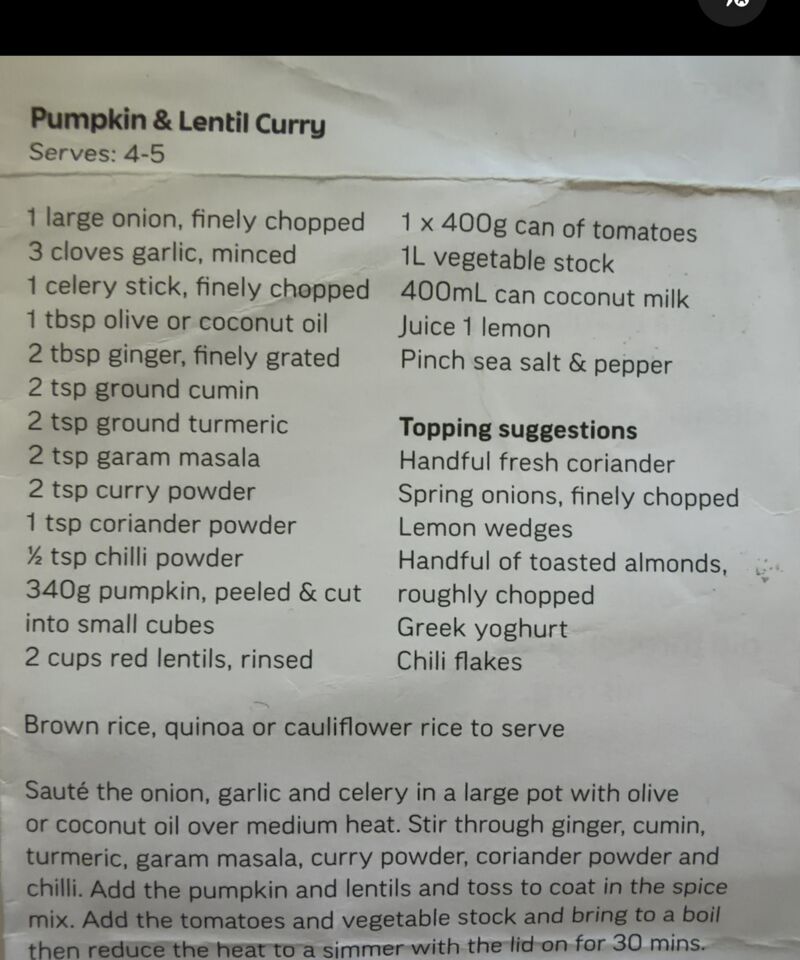
Share a recipe page from your browser, paste the text, or photograph a cookbook page — the ingredients arrive as a tidy, editable list. Scale the servings and pantry staples like salt stay out of your way.
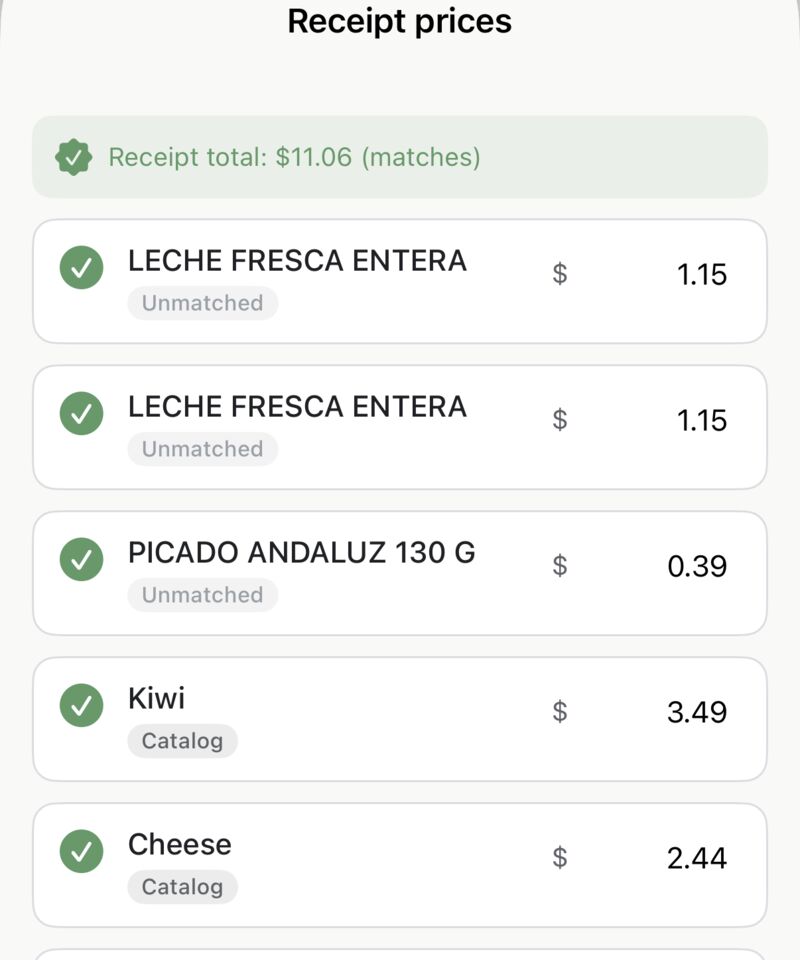
Photograph your receipt after a shop and the app reads the prices onto that trip in History — entirely on your phone, nothing uploaded. You can also edit any trip's items, prices, and discounts by hand.
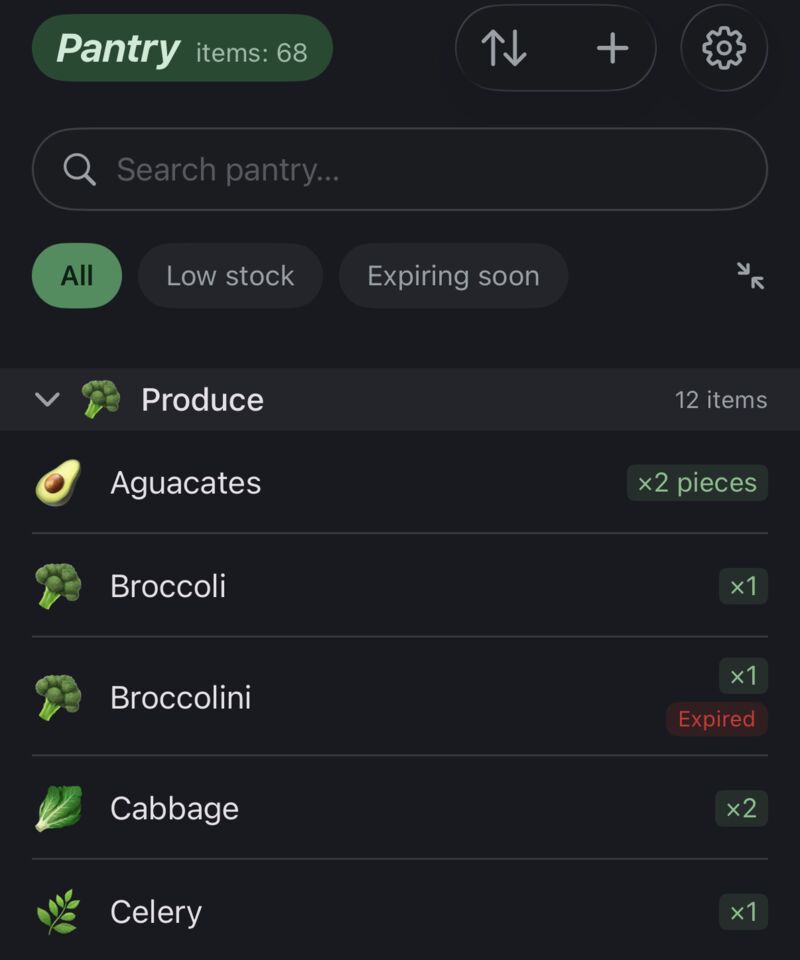
A third tab tracks what's at home — quantities, expiry dates, what's running low. Finish a shop and the app offers to add everything you bought in one tap.
Everything above works offline and stays on your phone — same as always. The privacy policy spells out the few features that use the internet and why.
 Tim Weston Apps