Up to 25 lists. Share the ones you shop together — live and in sync.
📱 Screenshots show the iPhone app. The Android app works the same way — only small platform details differ.
You can keep up to 25 separate lists — groceries, hardware, the party shop — and share up to 5 of them with other people. A shared list stays in sync in real time: when one of you ticks something off, the other sees it within seconds. There are no accounts and no sign-up — joining a list takes an 8-character code or a quick QR scan.
Both phones see the same list in real time. Needs the app and an internet connection on both phones.
Sends a plain-text snapshot of your list via WhatsApp, email, or any app. The recipient doesn't need the app.
Everything to do with lists lives in one place: tap the list name at the top of the List screen and the Lists sheet opens.
Any of your lists can become a shared list:
You can have up to 25 lists in total, and up to 5 of them shared at the same time. The app tells you if you hit either limit.
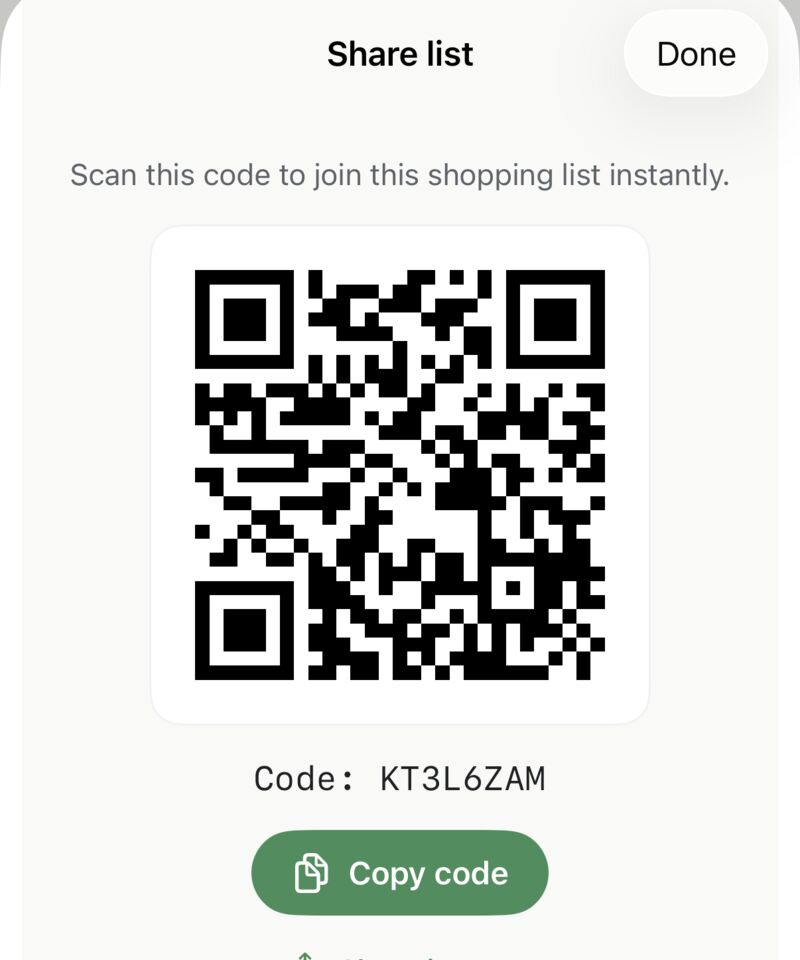
To join a list someone else shared, open the Lists sheet and tap Join shared list. Then either:
Shared lists have a small "+ add a name" field in the Lists sheet. Type the other person's name — "Sarah", "Mum" — and the List screen shows with Sarah under the To Buy heading, so you always know which shared list you're looking at.
The name is just a label on your phone — the other person never sees it and doesn't need to do anything.
In the Lists sheet, tap Edit, then on a shared list tap Stop sharing. Here's exactly what happens:
Deleting a list (shared or not) removes the list and all its items from your phone, after a confirmation. For a shared list, deleting also leaves it — other members keep their copy.
As long as someone is still using the shared list, you can rejoin it any time with the same code or QR.
If the other person doesn't have the app, send them a snapshot:
Related guides: Your Shopping List · Recipes (add a whole recipe to a new list) · Backup & Export
 Tim Weston Apps