A map of the whole app — every switch and slider, in screen order.
📱 Screenshots show the iPhone app. The Android app works the same way — only small platform details differ.
Tap the ⚙️ gear icon in the top bar of the List screen to open Settings. Everything is optional — the app works fine with its defaults — but this page walks the screen top to bottom so you know what every section does and where the deeper guides are.
The Shared lists panel shows which list you're on and gives you the big sharing actions: create a shared list, Join a shared list with an 8-character code, or scan a QR code to join instantly.
Day to day you'll mostly share from the Lists sheet on the List screen instead — the full picture is in Lists & Sharing.
Full guide: Voice Input.
One choice: where scanned items go by default — Always ask (the picker appears after every scan), Shopping list, Pantry, or Both. Full guide: Barcode Scanner.
Full guide: Pantry.
Opens its own screen: manual and automatic backups, restore, CSV export, and receipt-photo cleanup. It deserves its own guide — see Backup & Export.
An optional weekly nudge to plan your next shop — pick a day and time (say, Saturday 10:00). The section shows the current schedule with Change schedule and Turn off buttons, or Turn on reminder when it's off.
Planning to delete and start over? Create a backup first — once deleted, there's no way back.
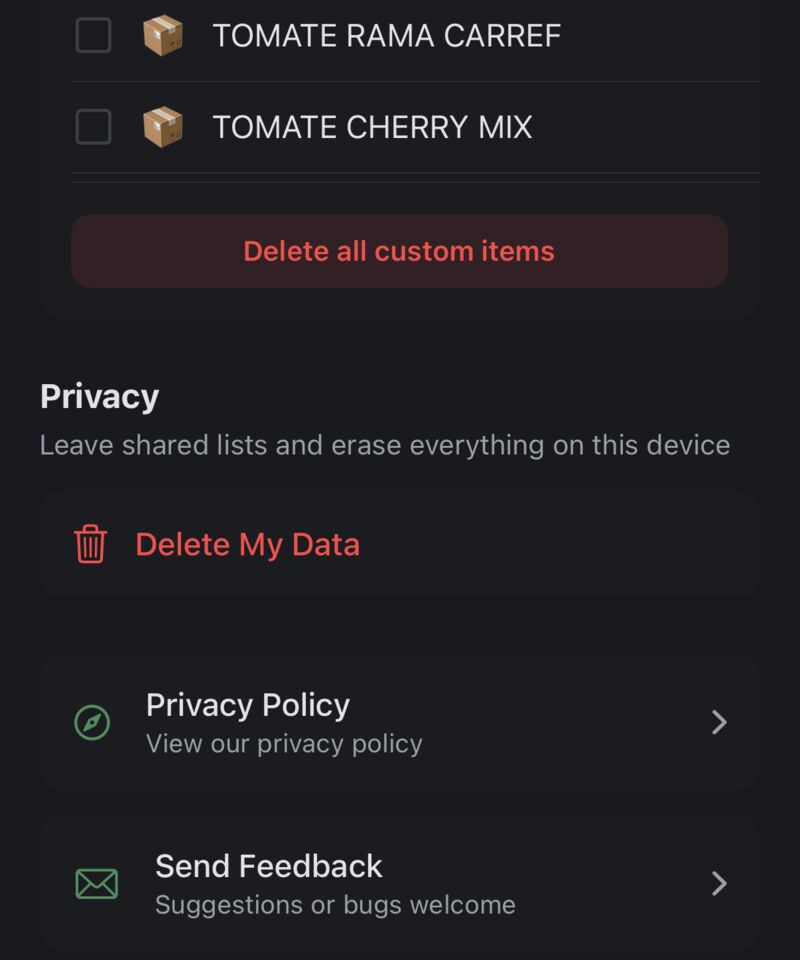
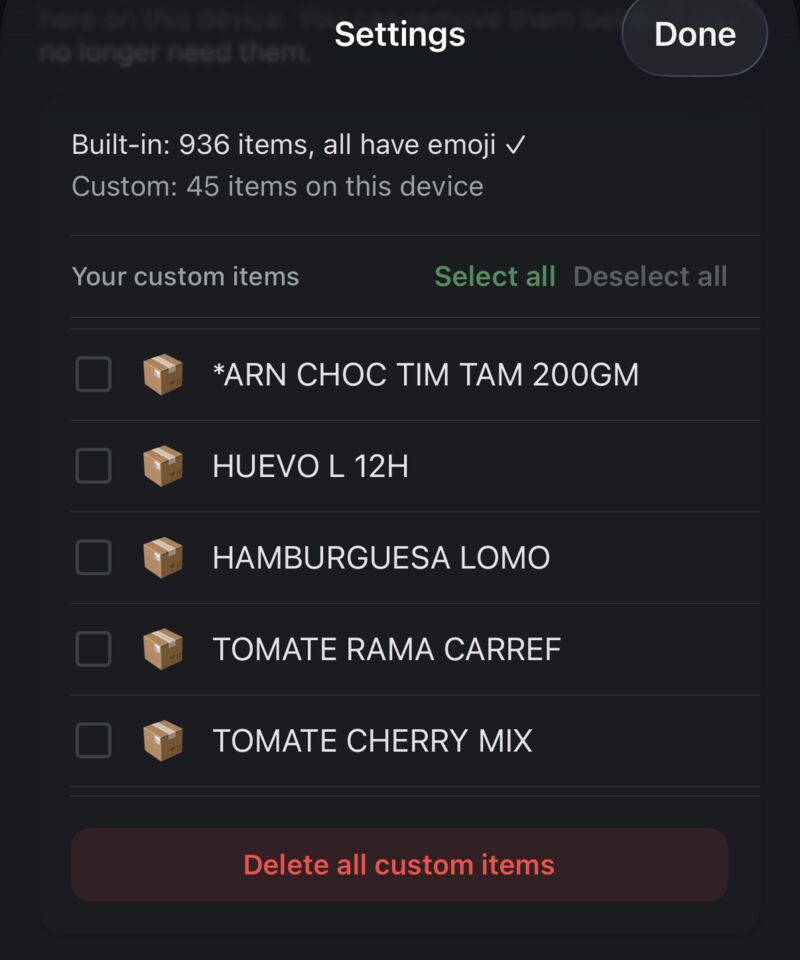
At the bottom, the Catalog section lists every custom item you've created (including items added by barcode scans and recipes) and lets you select and delete the ones you no longer want. Built-in items can't be edited or deleted.
Related guides: Voice Input · Pantry · Backup & Export
You've reached the end of the Help guides. If something isn't covered here, drop me a message — I usually reply within a day or two.
Get in touch Tim Weston Apps