From 'that looks nice' to a shopping list in seconds.
📱 Screenshots show the iPhone app. The Android app works the same way — only small platform details differ.
There are two ways to get a recipe into the app, and they meet at the same place: a tidy, editable ingredient review list. Use the link route for recipes on websites, and the scan route for cookbooks, recipe cards, and anything you can paste as text.
Share the page from your browser, or paste the URL. The app fetches the recipe and reads the ingredient list for you.
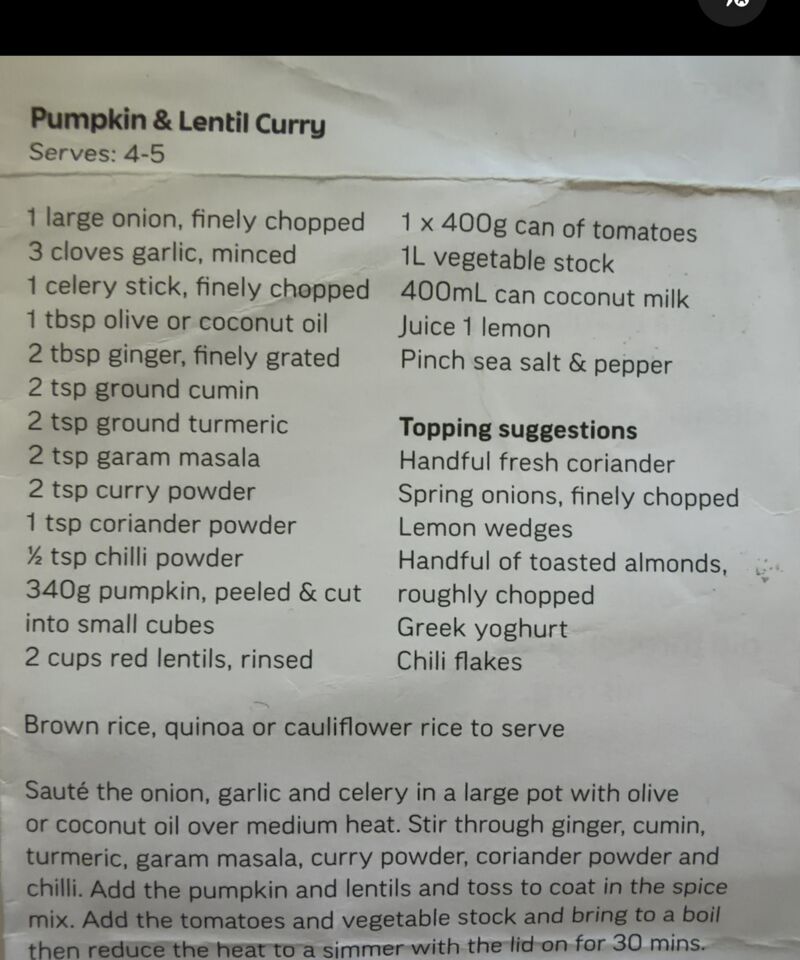
Photograph a cookbook page or paste recipe text. The text is read on your phone — nothing is uploaded.
Tap the ×0.5 / ×1 / ×2 / ×3 servings chips and every quantity rescales instantly — 250 g of butter becomes 500 g at ×2.
For recipes that aren't on a website, tap the book icon in the top bar. Two tabs:
Nothing is added until you say so. On the review list you can:
Above the Add button, a picker chooses the destination:
The Add button always tells you exactly what will happen — e.g. "Add 9 items to list".
Related guides: Your Shopping List (editing quantities) · Pantry · Lists & Sharing
 Tim Weston Apps